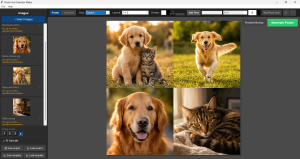
Poster and Calendar Maker
Turn your favourite photos into ready-to-sell posters and calendars — no design software required, no subscription, and no guesswork on sizing.
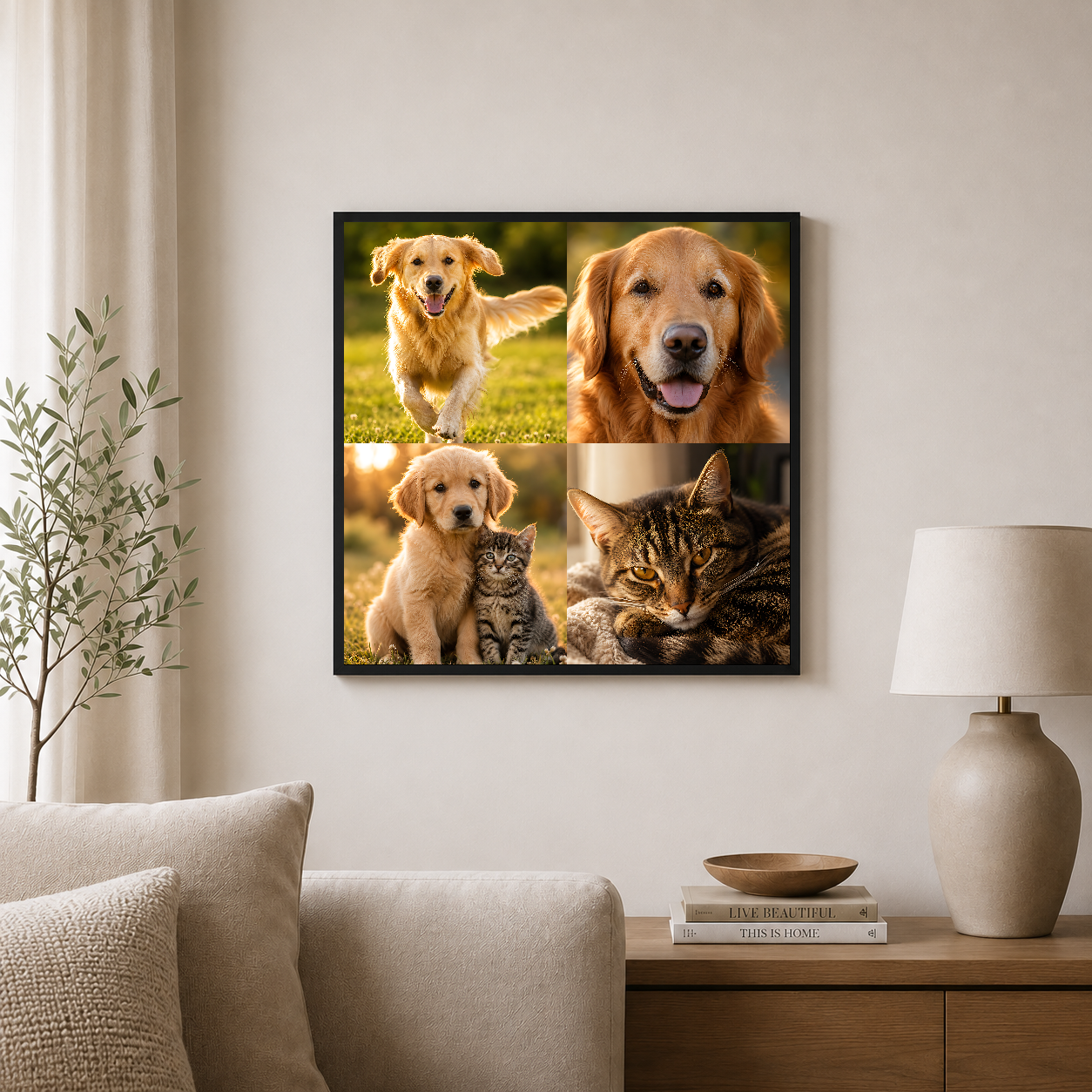
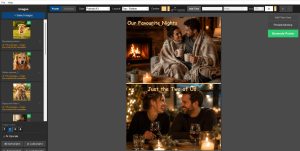
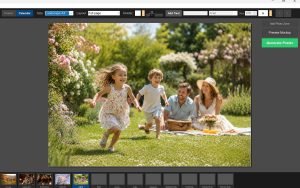
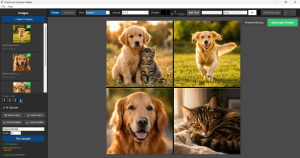
Drop in up to four photos, choose a layout, and fine-tune every cell with drag-to-position zoom (up to 4×) and pan so each shot crops exactly where you want it, or swap photos between cells with a simple drag. Add custom text (multiple layers, any font or color), pick a divider color, and preview the finished piece composited into a framed wall mockup before it ever goes live on your shop.
For photos that need a boost, a built-in AI upscaler sharpens lower-resolution images so they hold up at larger print sizes — no extra install required. If you have Topaz Photo AI or Gigapixel AI on your machine, the app detects it automatically and lets you switch to it as an alternate upscaling engine. Everything exports as a 300 DPI PNG, ready to upload straight to Printful, Printify, Gelato, or any print-on-demand service.
Windows only — this app does not currently run on Mac, Linux, or Chromebook. Please check before purchasing.
Features
- Portrait & landscape layouts. A4, A3, and square (3000×3000px), with 1–4 photo grids that auto-adapt to your photo count.
- Drag-and-drop photo placement. Independent zoom, pan, and crop per photo — fill the frame or fit the whole image, your choice.
- Custom photo zones. Add your own custom-shaped zones beyond the standard grid.
- Built-in AI upscaling. With optional Topaz integration if installed.
- Real-time DPI warnings. See instantly if a photo is too low-res to print sharp — before you export, not after.
- Custom text layers. Titles, dates, or captions, with full control over font, size, color, and position.
- Mockup preview. See your design in a framed room shot before publishing — no separate mockup tool needed.
- Save & reopen projects. Keep editing anytime, or generate as many variations as you like.
Calendar Mode
Build a full 13-page personalized photo calendar — a cover plus all 12 months — using the exact same layout tools as poster mode. Design each month independently with different photos, layouts, and text, flip between months on a visual filmstrip while you work, then export all 13 pages as print-ready 300 DPI files in one go.
Why sellers use it
Built specifically for the print-on-demand workflow — every layout is sized correctly for all major POD services from the start, so what you design is what prints. Save and reopen projects anytime (.epm project files), and generate as many poster and calendar variations as you like.
Why local-first matters
Your photos never leave your machine. No cloud uploads, no account required — install the app, add your photos, and export.